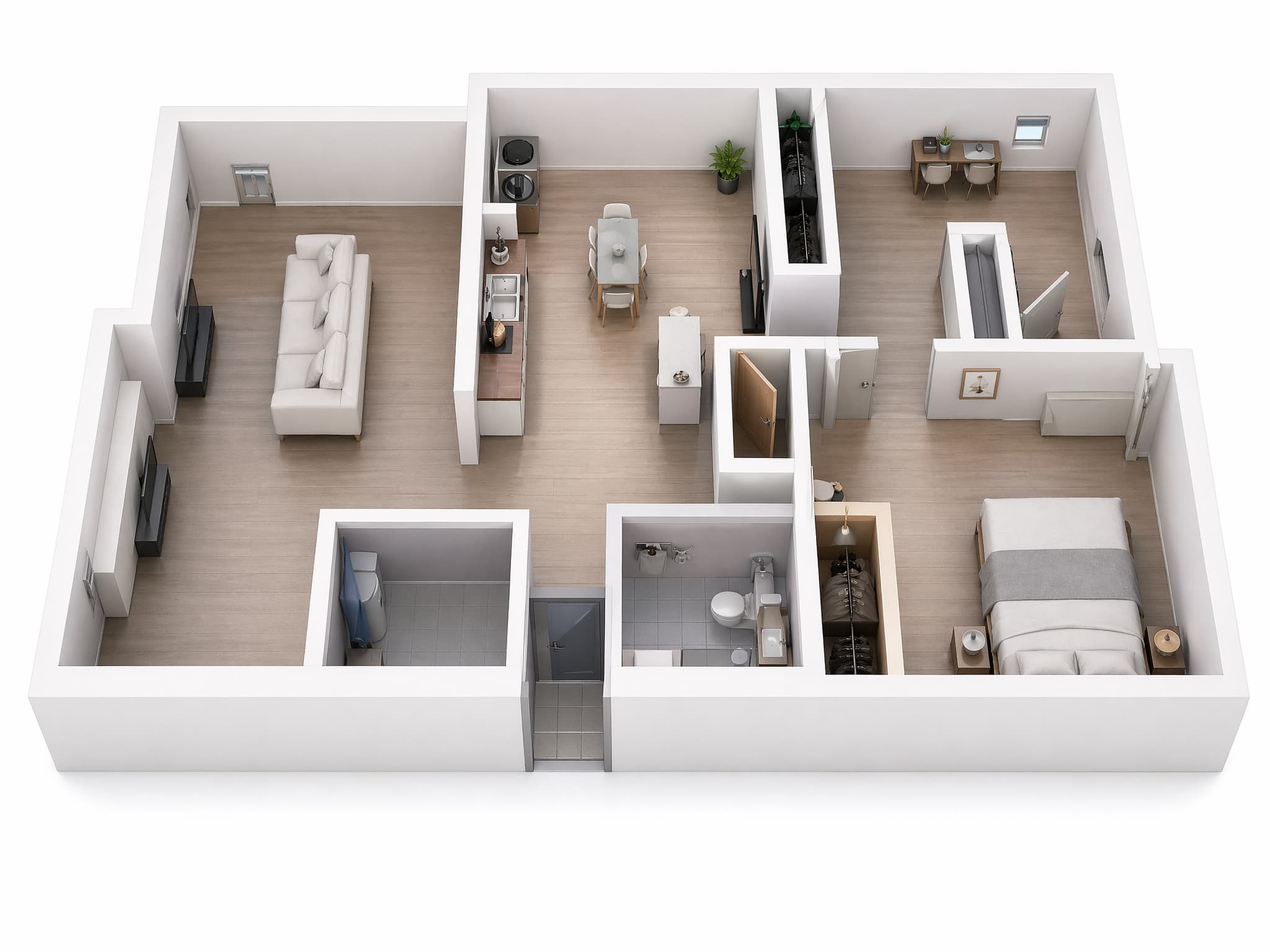
Electrical floor plan app for houses

Plan the house electrical layout on the real floor plan.

Upload the drawing, place outlets, lighting, and data points, then review the layout before installation begins.

See how it works

First project plan free. Extra plans are $5/month. 10 MB per plan.

Upload your floor plan
Place outlets and lighting
Review before installation
Export the approved layout

Live project canvas

See the drawing, symbol catalog, and live activity in one view.

Drag and review on the same screen.

EMapper project
3D house plan · live scene
3D house floor plan with animated electrical planning overlays.

Outlets

24 placed

Lights

18 placed

Data

7 placed

Distribution

3 placed

Live share

Keep review, comments, and permissions on the same plan.

3 people live

Everyone stays on the same plan.

Comments + sync

Updates show up right away.

Viewer / editor roles

Control who can change the layout.

Why EMapper

One drawing from first idea to final approval.

The goal is simple: decide placements on the real plan, keep the layout readable, and hand one approved version to the electrician.

Use the real drawing

Start with the architect plan you already have instead of redrawing rooms from scratch.

No CAD learning curve

Click, drag, copy, and adjust with familiar controls so homeowners can make decisions without specialist software.

Approve one clear version

Keep family feedback, designer review, and electrician handoff on the same plan instead of across chats and screenshots.

For Homeowners

The decisions people want settled before work starts.

This is usually the real job: work through room-by-room placements at home, then send a clear layout when it is ready.

A couple reviewing a house floor plan together on a laptop.
Agree on placements before installation starts.

Kitchen and utility points

Counter outlets, appliance points, island sockets, and utility-room power are easier to settle on the actual plan.

Bedrooms and living spaces

Bedside sockets, switch positions, TV/data points, and ceiling lighting can be reviewed room by room before installation starts.

Bathroom, entry, and outdoor

Entry lighting, mirror circuits, extractor points, and outdoor power can all be agreed before work begins on site.

How it works

Three steps from plan upload to approved layout.

Short enough for homeowners, clear enough for the electrician.

  1. Step 1

    Upload the drawing

    Bring in DWG, DXF, SVG, PDF, or PNG and start from the real floor plan.

  2. Step 2

    Place and adjust points

    Drop outlets, switches, lighting, and data points directly on the plan and move them until the layout feels right.

  3. Step 3

    Review and export

    Send one clear version for approval, then export the layout when everyone agrees.

Quick answers

Two things people usually ask before starting.

Can electricians edit live?
Yes. Give them editor access when they need to change the plan, or viewer/commenter access for review only.
Do I need AutoCAD?
No. Import the file your architect or designer already exported and place symbols in the browser.

Start free

Start your first plan with Google.

Upload the drawing, place the first points, and work from a clear floor plan in minutes.